Tutorial: a to-do app
6. Filtering
Show all tasks, only the open ones, or only the finished ones, and clear out everything that is finished with one click.
Kirigami.ActionKSortFilterProxyModel
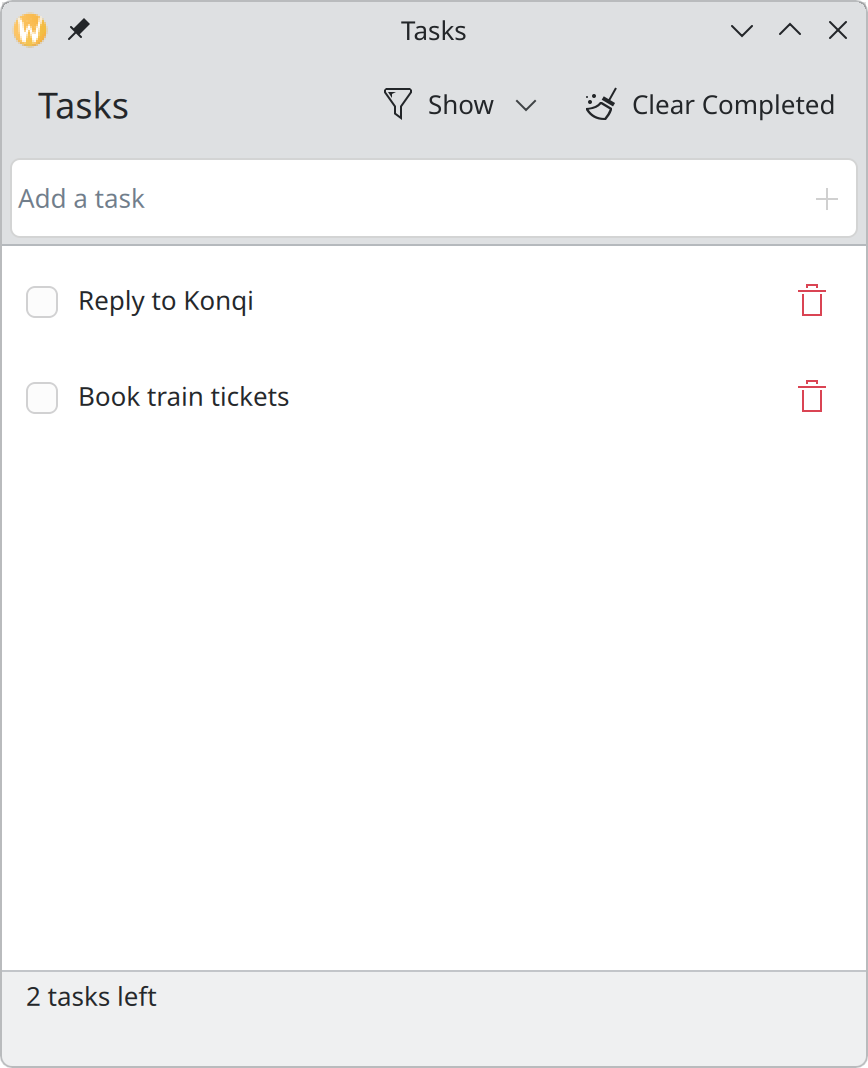
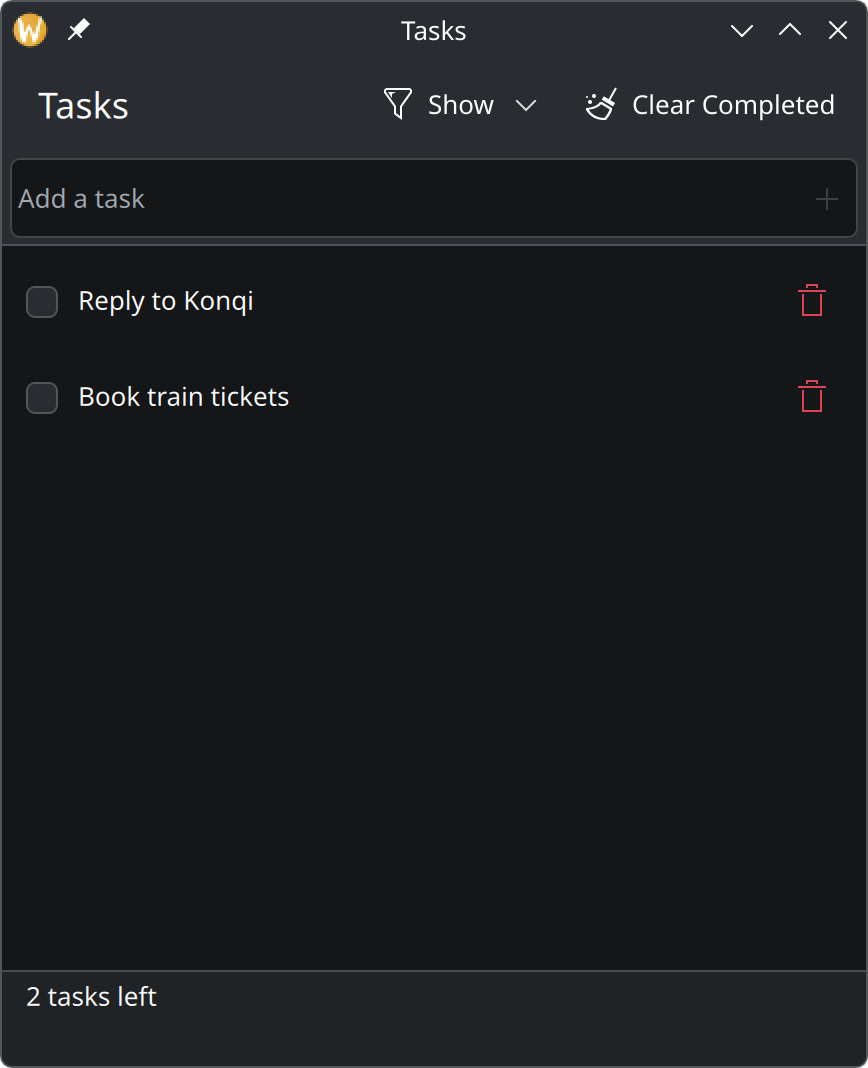
A filter between data and list
We do not want to remove finished tasks from the model when the filter says “Active”; we only want the list not to show them. The tool for this is a proxy model: it sits between the real model and the view and lets through only the rows that pass a test.
KDE provides one. Add its import:
import org.kde.kitemmodels as KItemModelsThen add this to the window:
property string filter: "all"
onFilterChanged: visibleTasks.invalidateFilter()

KItemModels.KSortFilterProxyModel {
    id: visibleTasks
    sourceModel: tasksModel

    filterRowCallback: (row, parent) => {
        const done = tasksModel.get(row).done
        return root.filter === "all"
            || (root.filter === "active" && !done)
            || (root.filter === "completed" && done)
    }
}filterholds the current choice as a word.filterRowCallbackis the test. It is asked about each row of the real model and answerstrueto show it.invalidateFilter()tells the proxy to ask again. We call it whenever the choice changes.
Point the list at the proxy instead of the real model:
ListView {
    id: tasksView
    model: visibleTasks
The proxy must also re-check when a task is ticked, or a task finished while “Active” is showing would stay
on screen. Extend the Connections from the last step:
function onDataChanged() {
    root.recount()
    visibleTasks.invalidateFilter()
}
Row numbers no longer match
There is one catch. With a filter on, the second row on screen may be the fifth row in the data. The
delegate’s index is the on-screen number, but setProperty and deleteTask need the real one.
A small function translates:
function sourceRow(row: int): int {
    return visibleTasks.mapToSource(visibleTasks.index(row, 0)).row
}
Use it in the three places where the delegate touches the model:
onClicked: tasksModel.setProperty(root.sourceRow(index), "done", !done)
// …
onToggled: tasksModel.setProperty(root.sourceRow(row.index), "done", checked)
// …
onClicked: root.deleteTask(root.sourceRow(row.index))
The buttons
Show the complete main.qml for this step
import QtQuick
import QtQuick.Controls as QQC2
import QtQuick.Layouts
import org.kde.kirigami as Kirigami
import org.kde.kitemmodels as KItemModels

Kirigami.ApplicationWindow {
    id: root

    title: "Tasks"
    width: Kirigami.Units.gridUnit * 24
    height: Kirigami.Units.gridUnit * 28

    ListModel {
        id: tasksModel

        ListElement { title: "Water the plants"; done: true }
        ListElement { title: "Reply to Konqi"; done: false }
        ListElement { title: "Book train tickets"; done: false }
    }

    // Which tasks to show: "all", "active" or "completed".
    property string filter: "all"
    onFilterChanged: visibleTasks.invalidateFilter()

    // Sits between the data and the list and lets only matching rows through.
    KItemModels.KSortFilterProxyModel {
        id: visibleTasks
        sourceModel: tasksModel

        filterRowCallback: (row, parent) => {
            const done = tasksModel.get(row).done
            return root.filter === "all"
                || (root.filter === "active" && !done)
                || (root.filter === "completed" && done)
        }
    }

    // The list shows filtered rows; this finds a row's place in the real data.
    function sourceRow(row: int): int {
        return visibleTasks.mapToSource(visibleTasks.index(row, 0)).row
    }

    function clearCompleted(): void {
        for (let i = tasksModel.count - 1; i >= 0; i--) {
            if (tasksModel.get(i).done) {
                tasksModel.remove(i)
            }
        }
    }

    // How many tasks are still open. Recounted whenever the list changes.
    property int remaining: 0

    function recount(): void {
        let open = 0
        for (let i = 0; i < tasksModel.count; i++) {
            if (!tasksModel.get(i).done) {
                open++
            }
        }
        remaining = open
    }

    Connections {
        target: tasksModel
        function onCountChanged() { root.recount() }
        function onDataChanged() {
            root.recount()
            visibleTasks.invalidateFilter()
        }
    }

    Component.onCompleted: recount()

    function addTask(title: string): void {
        const trimmed = title.trim()
        if (trimmed.length > 0) {
            tasksModel.append({ title: trimmed, done: false })
        }
    }

    function deleteTask(row: int): void {
        // Keep a copy so the deletion can be undone.
        const task = { title: tasksModel.get(row).title, done: tasksModel.get(row).done }
        tasksModel.remove(row)
        showPassiveNotification("“" + task.title + "” deleted", "long", "Undo",
            () => tasksModel.insert(row, task))
    }

    pageStack.initialPage: Kirigami.ScrollablePage {
        title: "Tasks"

        actions: [
            Kirigami.Action {
                text: "Show"
                icon.name: "view-filter"

                Kirigami.Action {
                    text: "All Tasks"
                    checkable: true
                    autoExclusive: true
                    checked: root.filter === "all"
                    onTriggered: root.filter = "all"
                }
                Kirigami.Action {
                    text: "Active"
                    checkable: true
                    autoExclusive: true
                    checked: root.filter === "active"
                    onTriggered: root.filter = "active"
                }
                Kirigami.Action {
                    text: "Completed"
                    checkable: true
                    autoExclusive: true
                    checked: root.filter === "completed"
                    onTriggered: root.filter = "completed"
                }
            },
            Kirigami.Action {
                text: "Clear Completed"
                icon.name: "edit-clear-all"
                enabled: root.remaining < tasksModel.count
                onTriggered: root.clearCompleted()
            }
        ]

        header: QQC2.ToolBar {
            contentItem: Kirigami.ActionTextField {
                id: newTaskField

                placeholderText: "Add a task"
                onAccepted: {
                    root.addTask(text)
                    clear()
                }

                rightActions: Kirigami.Action {
                    text: "Add Task"
                    icon.name: "list-add"
                    enabled: newTaskField.text.trim().length > 0
                    onTriggered: newTaskField.accepted()
                }
            }
        }

        footer: QQC2.ToolBar {
            visible: tasksModel.count > 0

            contentItem: QQC2.Label {
                leftPadding: Kirigami.Units.largeSpacing
                text: root.remaining === 1 ? "1 task left" : root.remaining + " tasks left"
            }
        }

        ListView {
            id: tasksView
            model: visibleTasks
            // Rows are ticked, not selected, so none is marked as current.
            currentIndex: -1

            Kirigami.PlaceholderMessage {
                anchors.centerIn: parent
                width: parent.width - Kirigami.Units.gridUnit * 4
                visible: tasksView.count === 0

                icon.name: "checkmark"
                text: tasksModel.count === 0 ? "No tasks" : "Nothing to show"
                explanation: tasksModel.count === 0
                    ? "Type in the field above and press Enter to add one."
                    : "No tasks match the current filter."
            }

            delegate: QQC2.ItemDelegate {
                id: row

                required property string title
                required property bool done
                required property int index

                width: ListView.view.width

                // Clicking anywhere on the row ticks or unticks the task.
                onClicked: tasksModel.setProperty(root.sourceRow(index), "done", !done)

                contentItem: RowLayout {
                    spacing: Kirigami.Units.smallSpacing

                    QQC2.CheckBox {
                        checked: row.done
                        onToggled: tasksModel.setProperty(root.sourceRow(row.index), "done", checked)
                    }

                    QQC2.Label {
                        Layout.fillWidth: true
                        text: row.title
                        elide: Text.ElideRight

                        // Finished tasks step back: struck through and faded.
                        font.strikeout: row.done
                        opacity: row.done ? 0.6 : 1
                    }

                    QQC2.ToolButton {
                        text: "Delete"
                        icon.name: "edit-delete"
                        display: QQC2.AbstractButton.IconOnly
                        onClicked: root.deleteTask(root.sourceRow(row.index))

                        QQC2.ToolTip.text: text
                        QQC2.ToolTip.visible: hovered
                        QQC2.ToolTip.delay: Kirigami.Units.toolTipDelay
                    }
                }
            }
        }
    }
}
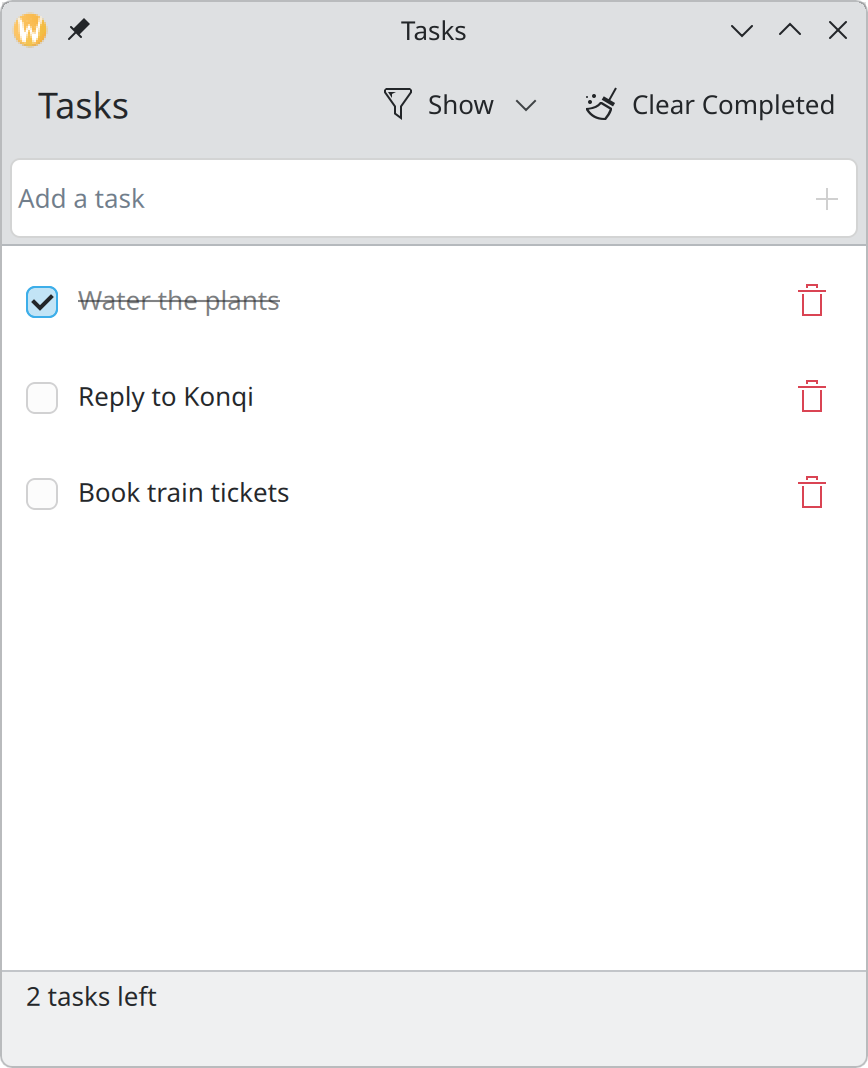
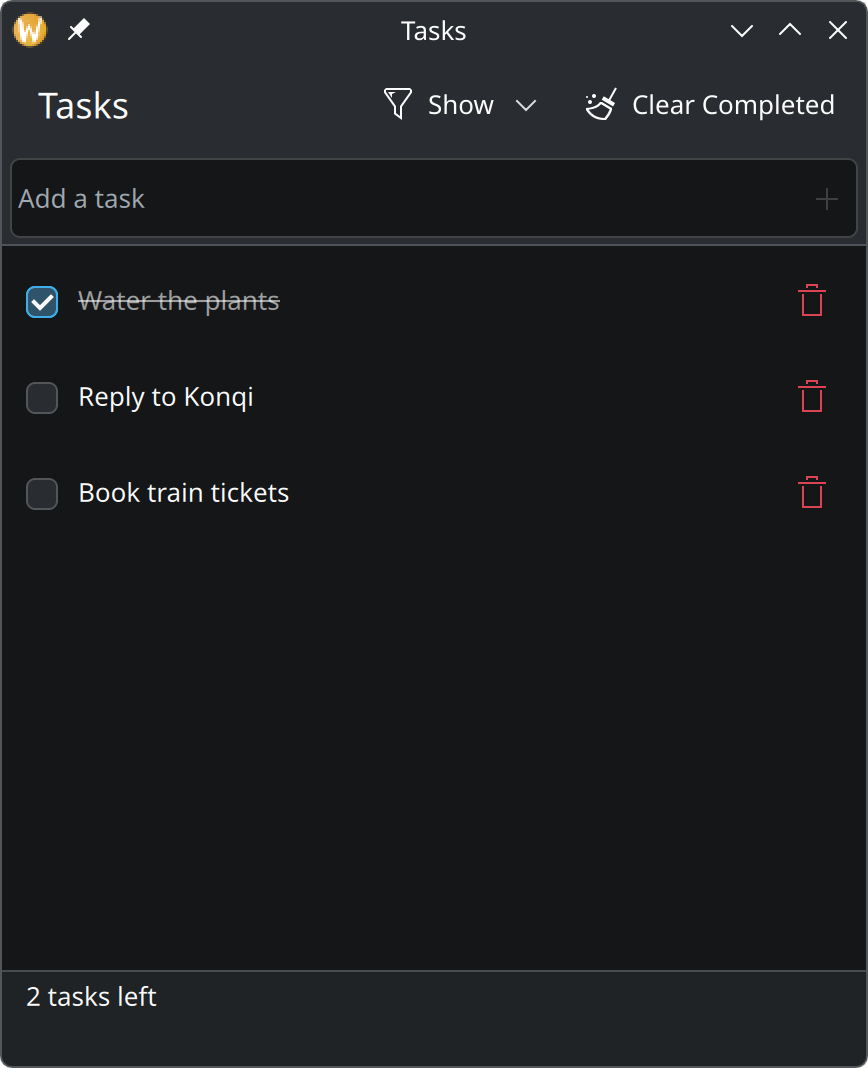
Give the page a list of actions:
actions: [
    Kirigami.Action {
        text: "Show"
        icon.name: "view-filter"

        Kirigami.Action {
            text: "All Tasks"
            checkable: true
            autoExclusive: true
            checked: root.filter === "all"
            onTriggered: root.filter = "all"
        }
        Kirigami.Action {
            text: "Active"
            checkable: true
            autoExclusive: true
            checked: root.filter === "active"
            onTriggered: root.filter = "active"
        }
        Kirigami.Action {
            text: "Completed"
            checkable: true
            autoExclusive: true
            checked: root.filter === "completed"
            onTriggered: root.filter = "completed"
        }
    },
    Kirigami.Action {
        text: "Clear Completed"
        icon.name: "edit-clear-all"
        enabled: root.remaining < tasksModel.count
        onTriggered: root.clearCompleted()
    }
]- Actions placed on a page appear in its header. Notice that we never say where: on a phone the same actions show up in a bar at the bottom. See Actions and toolbars.
- An action with actions inside it becomes a menu. “Show” opens a menu with the three choices.
checkablewithautoExclusivemakes the three behave like radio buttons: exactly one is ticked.- “Clear Completed” is disabled when nothing is finished.
remaining < countis true exactly when at least one task is done.
And the function it calls:
function clearCompleted(): void {
    for (let i = tasksModel.count - 1; i >= 0; i--) {
        if (tasksModel.get(i).done) {
            tasksModel.remove(i)
        }
    }
}
It walks the list from the end to the start. Going forwards would skip a task each time one is removed, because everything after it moves up by one.
One more empty state
With a filter, the list can be empty although tasks exist. The placeholder should say so, instead of claiming there are no tasks:
text: tasksModel.count === 0 ? "No tasks" : "Nothing to show"
explanation: tasksModel.count === 0
    ? "Type in the field above and press Enter to add one."
    : "No tasks match the current filter."
Try it
Choose “Active” and tick a task: it leaves the list. Choose “Completed” to find it again. Make the window very narrow and watch “Clear Completed” move into an overflow menu.