Components
Overlay sheets
A panel that floats over the page to show extra content for reading. It scrolls if the content is long and closes with a click outside.
Kirigami.OverlaySheet
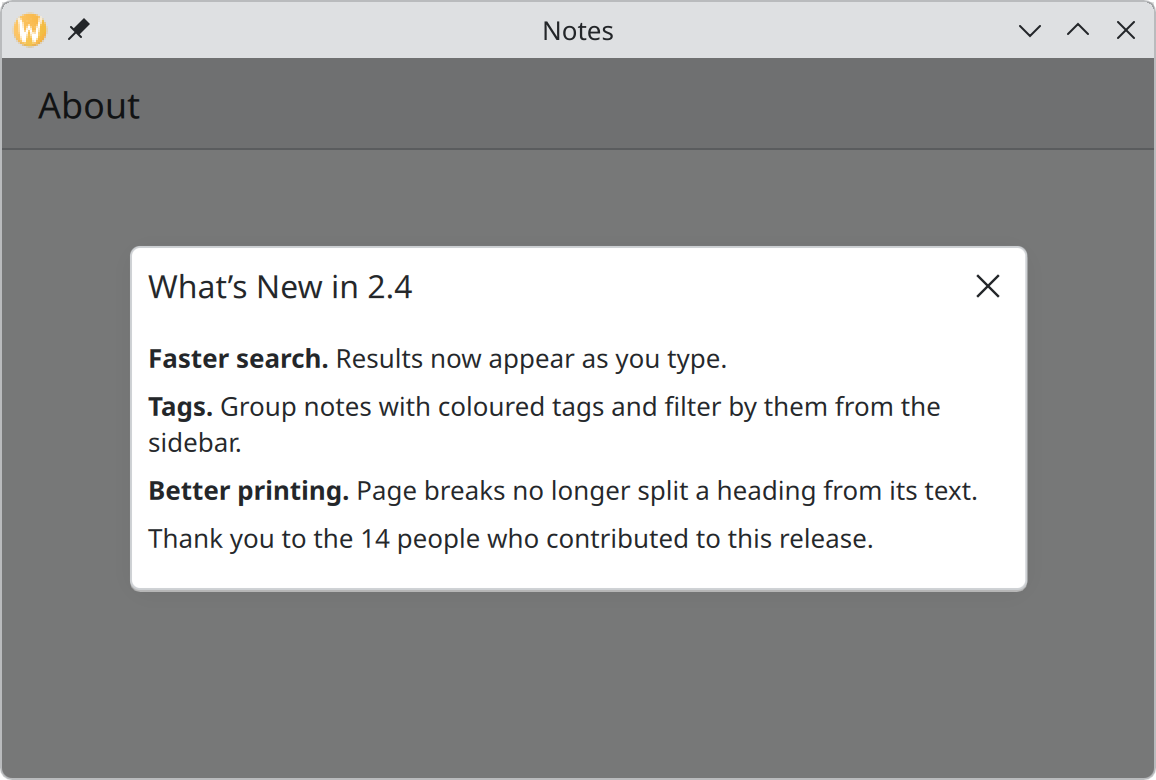
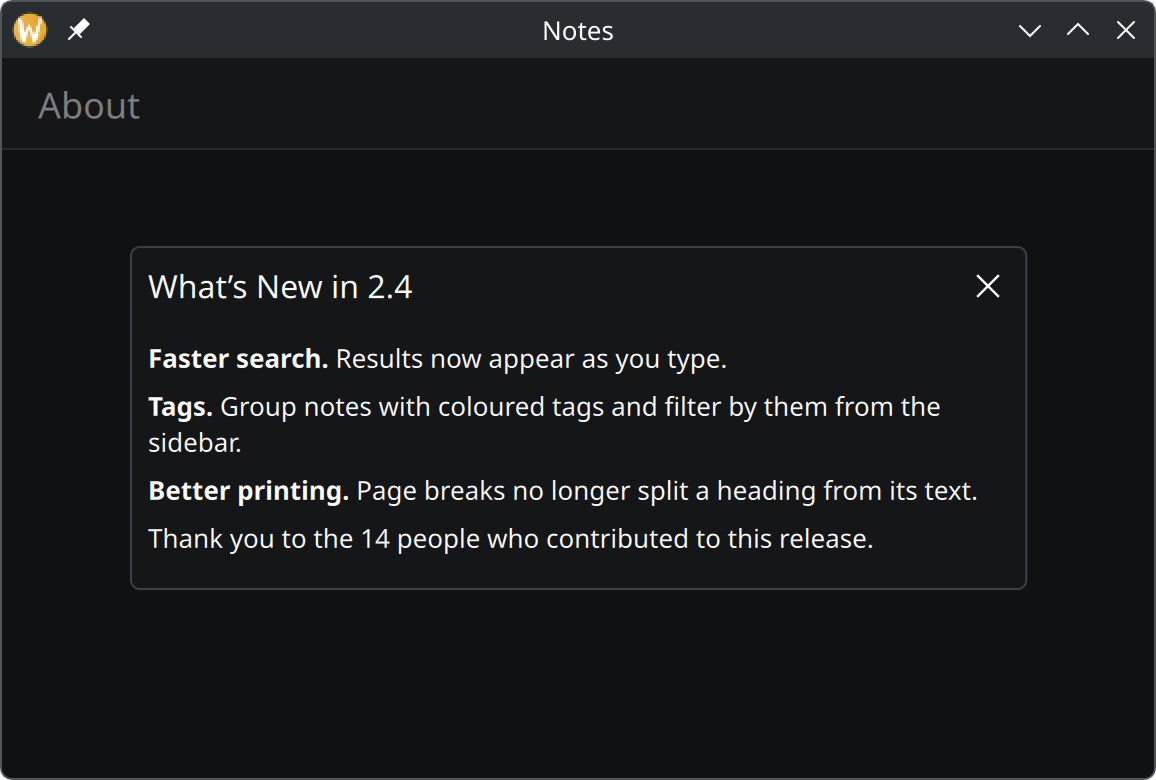
Show the QML for this example
import QtQuick
import QtQuick.Controls as QQC2
import org.kde.kirigami as Kirigami

Kirigami.ApplicationWindow {
    title: "Notes"
    width: Kirigami.Units.gridUnit * 32
    height: Kirigami.Units.gridUnit * 20

    pageStack.initialPage: Kirigami.Page {
        title: "About"
    }

    Kirigami.OverlaySheet {
        title: "What’s New in 2.4"
        Component.onCompleted: open()

        QQC2.Label {
            wrapMode: Text.WordWrap
            textFormat: Text.MarkdownText
            text: "**Faster search.** Results now appear as you type.\n\n"
                + "**Tags.** Group notes with coloured tags and filter by them from the sidebar.\n\n"
                + "**Better printing.** Page breaks no longer split a heading from its text.\n\n"
                + "Thank you to the 14 people who contributed to this release."
        }
    }
}
When to use it
Use an overlay sheet for secondary content that people read and then dismiss: release notes, the details of an item, a licence text, a help topic.
| You want to… | Use |
|---|---|
| Show read-only content over the page | An overlay sheet |
| Ask a question or collect input | A dialog |
| Show content big enough to fill the window | A new page |
| Offer a few options for an item | An overlay drawer or Kirigami.MenuDialog |
In code
Declare the sheet, put the content inside it, and call open():
Kirigami.OverlaySheet {
    id: newsSheet
    title: "What’s New in 2.4"

    QQC2.Label {
        wrapMode: Text.WordWrap
        text: releaseNotes
    }
}

QQC2.Button {
    text: "What’s New"
    onClicked: newsSheet.open()
}
The sheet takes its size from its content and scrolls by itself when the content is taller than the window. Do
not wrap the content in a scroll view of your own. Give text wrapMode: Text.WordWrap so the sheet does not
try to grow as wide as the longest paragraph.
A list can go directly into a sheet as well: make a ListView the sheet’s only child.
Using sheets well
- Give it a title that names the content.
- One sheet at a time, and never a sheet on top of a dialog or the other way round.
- Keep it secondary. If people need this content to do the main task, it should be on the page.
Properties you will use
| Property | Type | What it does |
|---|---|---|
title |
string | Heading at the top of the sheet. |
showCloseButton |
bool | Show a × in the corner. On by default on desktop, off on phones, where tapping outside or swiping closes the sheet. |
header |
item | Replaces the title with your own item. |
footer |
item | An item pinned to the bottom, below the scrolling content. |
open(), close() |
methods | Show and hide the sheet. |
Where this comes from
This page restates the upstream KDE documentation in plainer words and adds pictures. When the two disagree, upstream wins.