Tutorial: a to-do app
What we will build
A to-do app in about 250 lines of QML. Add tasks, tick them off, delete them with undo, filter the list, and find everything still there the next day.
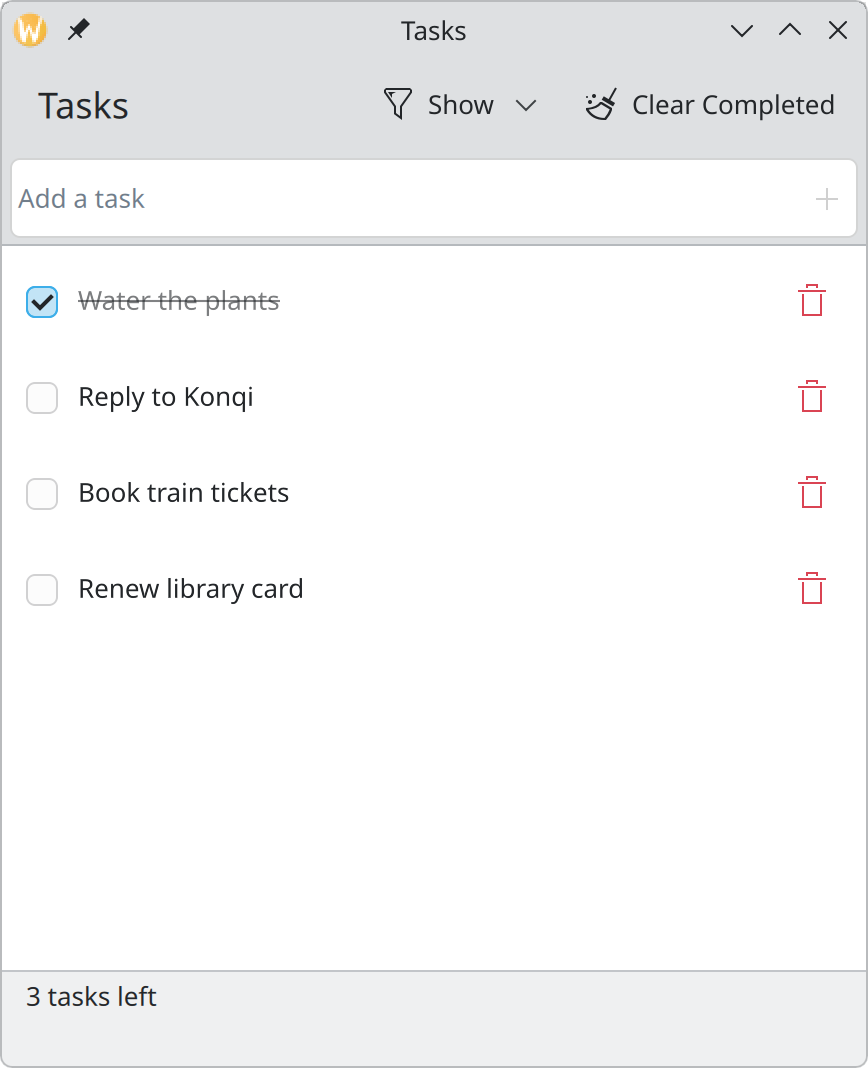
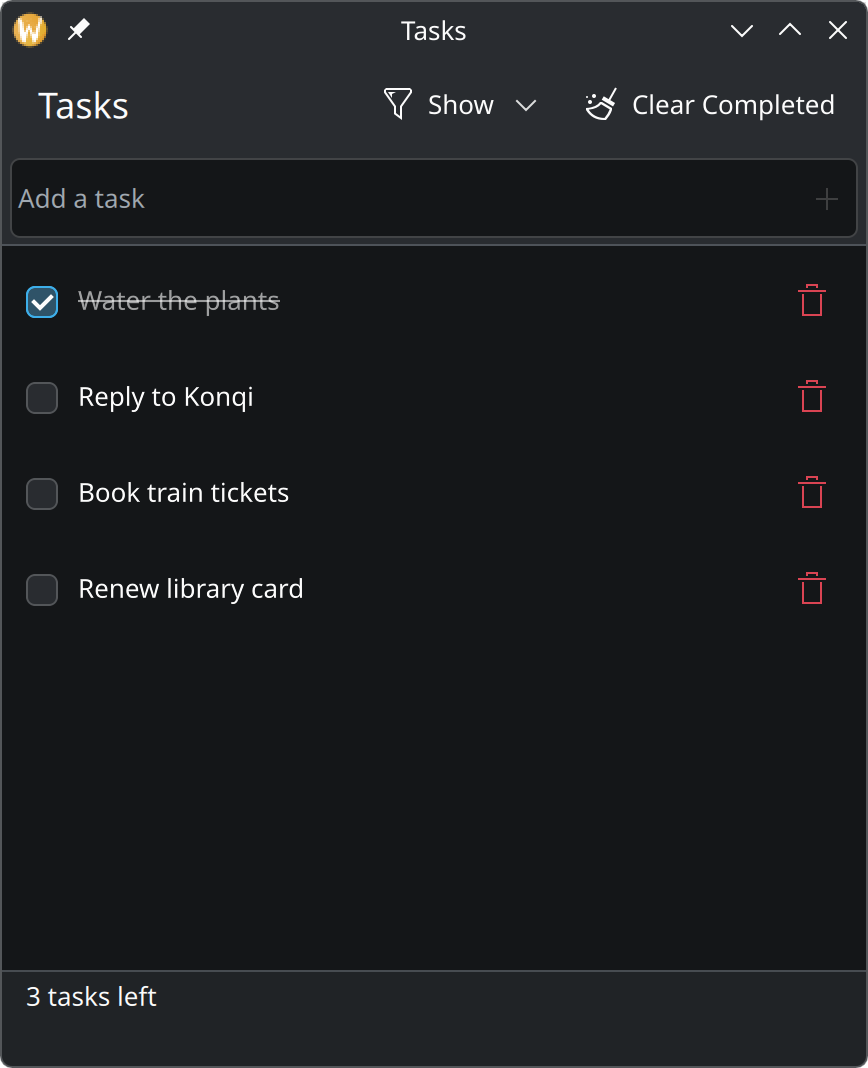
This tutorial builds the app above from an empty file. It has the same feature set as the well-known TodoMVC exercise:
- add a task by typing and pressing Enter;
- tick a task off, and untick it again;
- delete a task, with a few seconds to undo;
- see how many tasks are left;
- show all tasks, only the open ones, or only the finished ones;
- remove all finished tasks at once;
- keep the list between sessions.
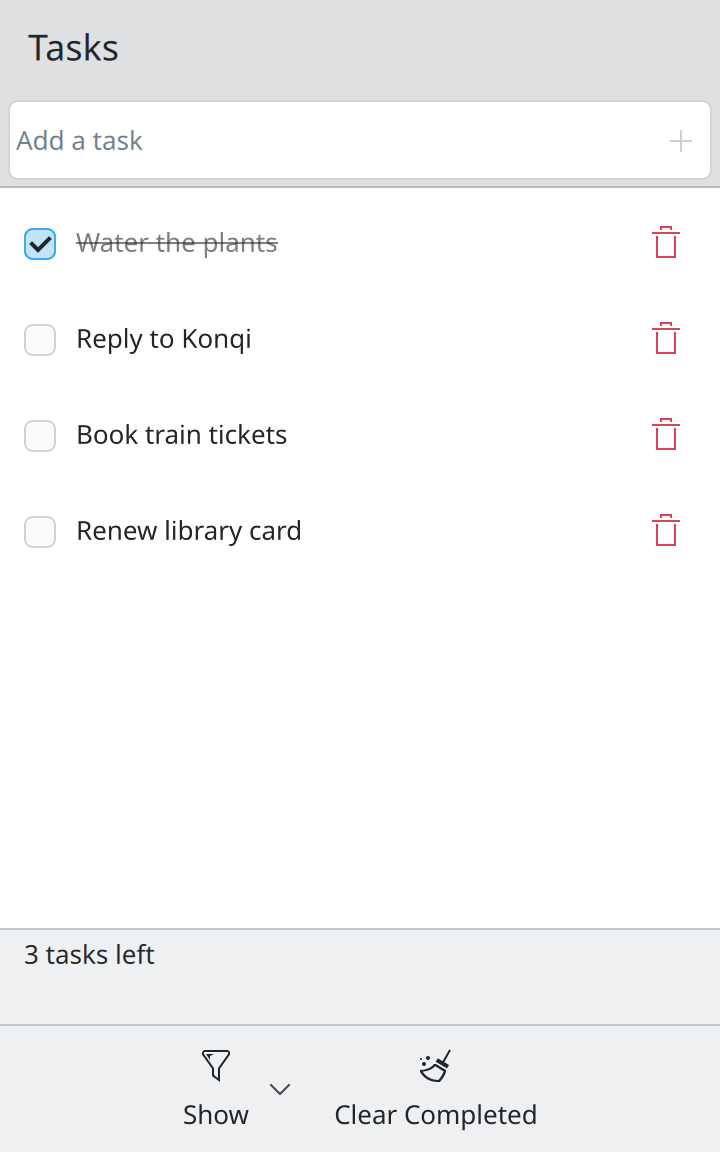
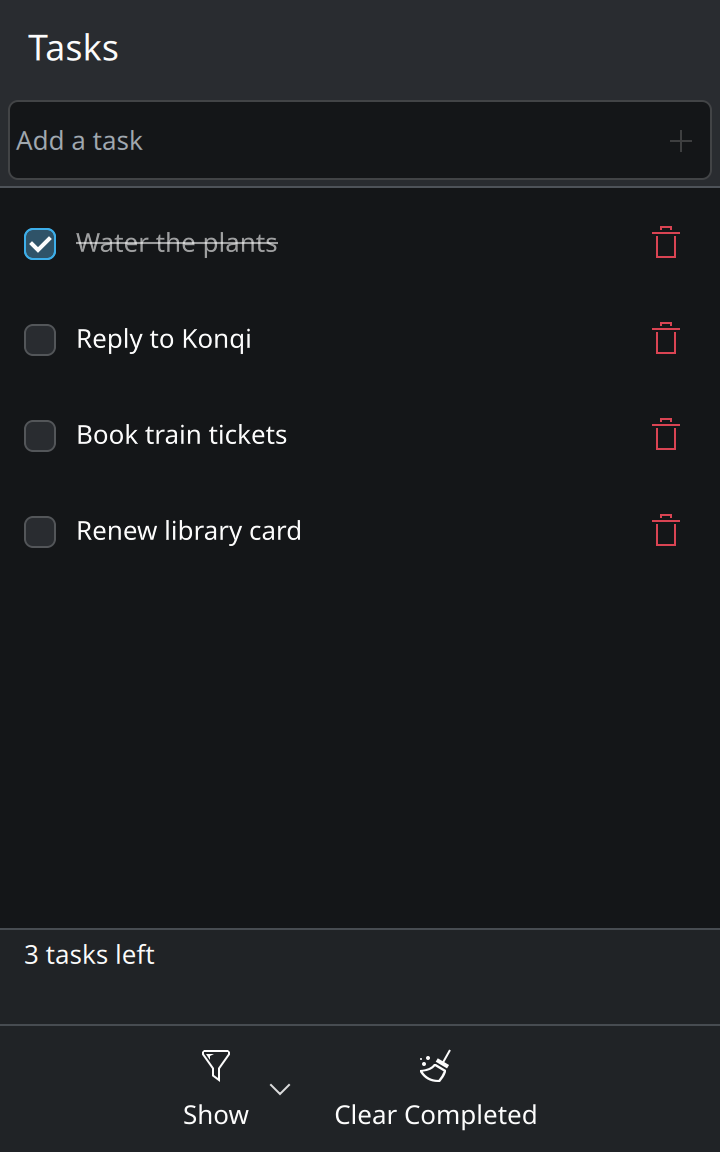
The same file also works on a phone, with no extra code:
What you need
- Qt 6 and Kirigami, installed from your distribution. On a system running KDE Plasma they are already there.
- The
qml6tool, which runs a QML file directly. It is usually in a package named something likeqt6-declarative-tools,qt6-qtdeclarative-develorqml6. - KItemModels, a small KDE library used from step 6 for filtering. It is part of KDE Frameworks and is
present on any Plasma system; elsewhere the package is usually called
kitemmodelsorkf6-kitemmodels. - A text editor. Kate has QML highlighting built in.
No compiler, build system or project setup is needed. A real app that you ship would have a small C++ or Python launcher and a CMake file around it; the Kirigami tutorial linked at the bottom explains that part. Everything you learn here carries over unchanged.
How to follow along
Create an empty folder with one file in it, main.qml. Each step tells you what to add or change, and why.
After each step, run:
qml6 main.qmlEvery step page ends with the complete file as it should look at that point, so if something does not work you can compare, or simply copy it and carry on.
The steps
| Step | You learn | |
|---|---|---|
| 1 | A window and a page | The skeleton every Kirigami app starts from |
| 2 | A list of tasks | Models, list views and delegates |
| 3 | Adding tasks | Text input, actions, and a first function |
| 4 | Ticking off and deleting | Custom rows, changing data, undo |
| 5 | The empty state and a counter | Placeholder messages, a footer, reacting to changes |
| 6 | Filtering | Page actions, menus, a filter model |
| 7 | Remembering the list | Saving and loading |
Where this comes from
This page restates the upstream KDE documentation in plainer words and adds pictures. When the two disagree, upstream wins.